

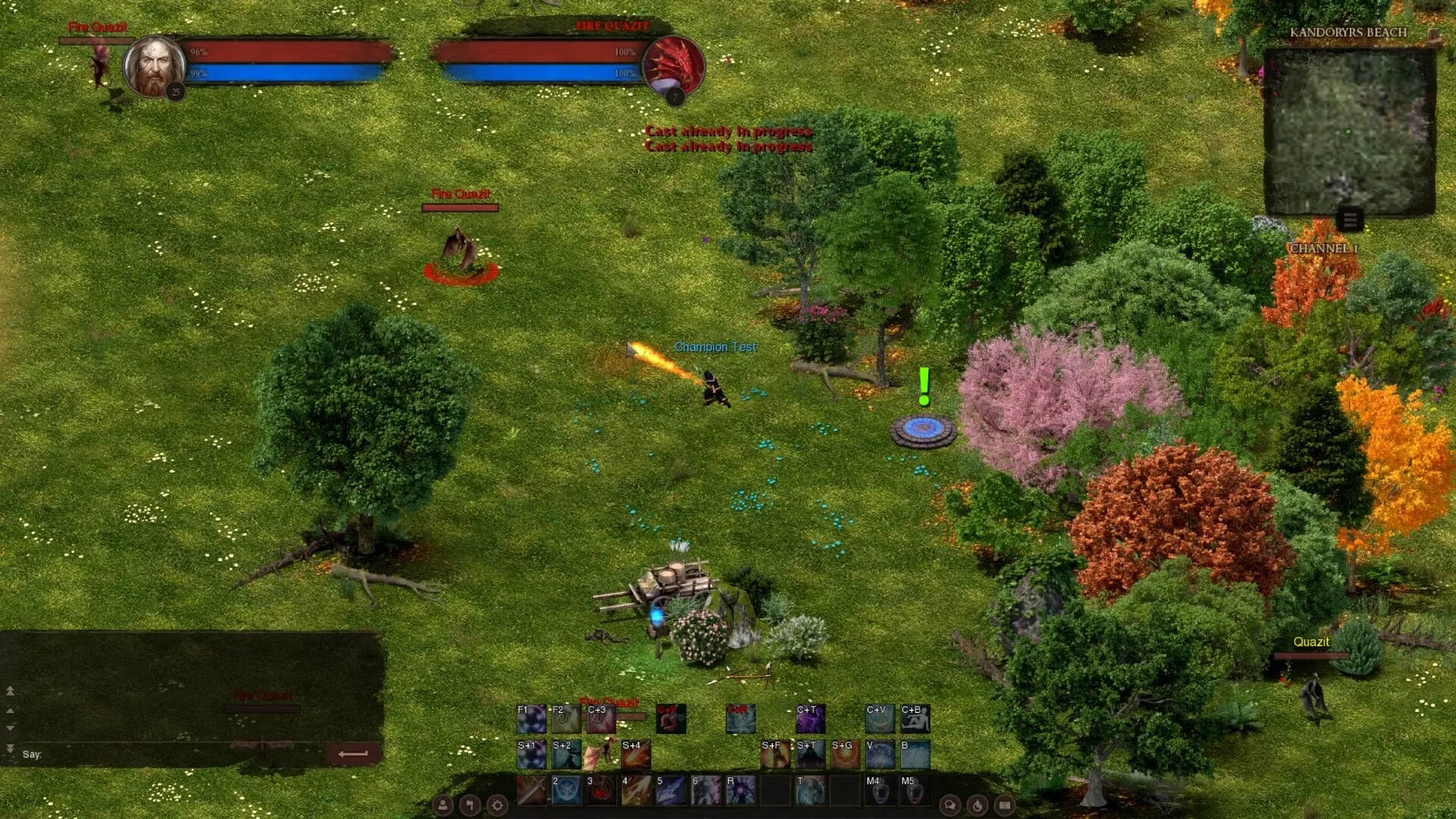
Dreadmyst Online follows the essence of old-school MMORPGs to its very core, and you’ll need to rely on a host of chat commands to communicate with other players.
Recommended Videos
Communication is key if you’re looking to play successfully with others in Dreadmyst. There are several commands to remember, and some of them are pretty important. This guide will provide you with a complete list of all the chat commands.
All chat commands in Dreadmyst
The chat commands in Dreadmyst Online can be divided into broad categories, based on what they’re used for.
| Command | What they do |
|---|---|
| /all | Allows you to pass information to the global channel. It’s extremely useful to find a party with strangers or trade a valuable gear. |
| /guild | To discuss and strategize with your guildmates. |
| /party | To discuss and strategize with your party members. |
| /help | Shows you a list of all chat commands. |
| /ignore <name> | Allows you to ignore a specific player for whatever reason. You can undo the process using /unignore function. |
| /roll | Roll a random number between your teammates. |
| /invite <name> | Allows you to invite a stranger to form a party. |
| /gcreate <name> | Allows you to create your own guild and give it a name. |
| /ginvite <name> | Invite someone to join your guild. |
| /gkick <name> | Remove someone from your guild. |
| /gquit <name> | Allows you to quit your current guild. |
| /gdisband | Deletes your guild after removing all the members. |
| /duel | Conduct a private fight with another player. |
| /yield | Forfeit a fight or decline a duel invitation. |
| /pvp | Turns you hostile in Contested Zones, and anyone can attack you (of course, you can also attack them). |
How to use chat commands in Dreadmyst Online
All you have to do is type the text (don’t forget the /) and press Enter to execute the command. Not all commands have an undo option, so be careful when using them.


