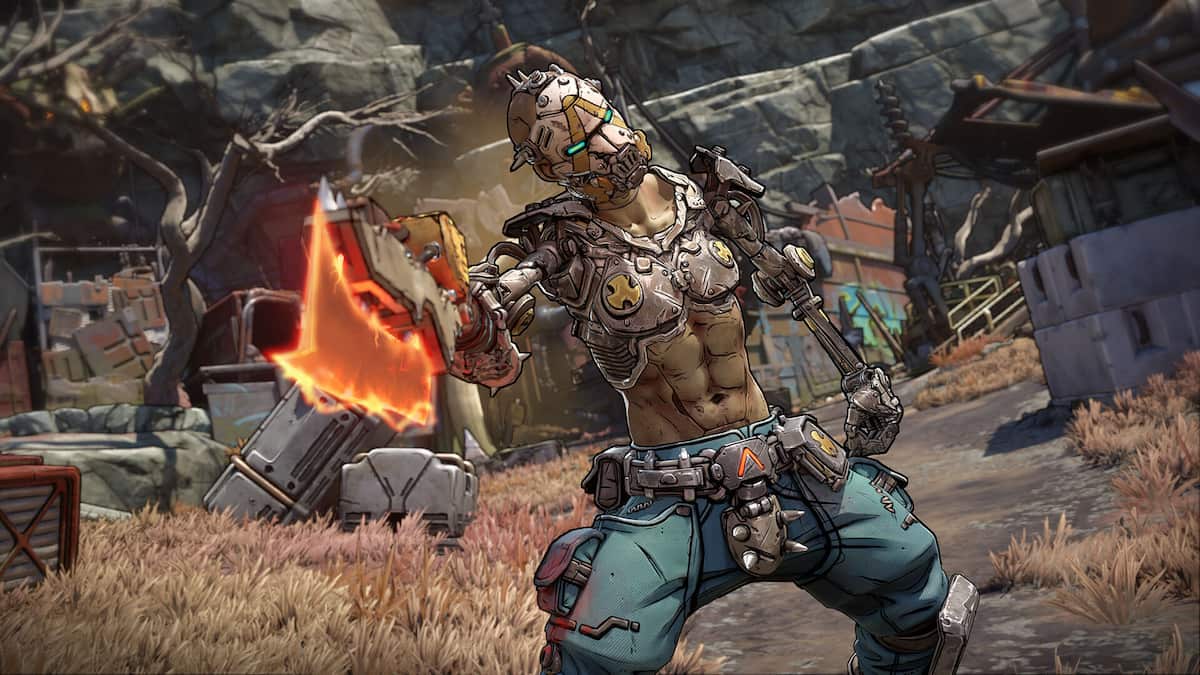
Borderlands 4 has a vast set of controls to master for players, irrespective of whether they’re playing on a PC or console.
If you’re playing on a PC, you can choose between using a keyboard/mouse or a controller and changing your default controls. This guide will provide the details of every control and its default key bindings.
Table of contents
Borderlands 4 PC controls
The full controls can be broken down into segments related to various aspects of the gameplay.
Movement
- Move Forward: W
- Move Left: A
- Move Back: S
- Move Right: D
- Jump/Glide: Space
- Sprint/Dash: Left Shift
- Crouch/Slide/Dash/Ground Slam: Left Ctrl.
Combat
- Use Ordnance: G
- Repkit: T
- Fire Gun: LMB
- Aim Down Sights: RMB
- Reload: R
- Change Gun Mode: C
- Melee/Grapple: V
- Action Skill: F
- Previous Gun: Scroll-Up
- Next Gun: Scroll-Down
- Gun 1: 1
- Gun 2: 2
- Gun 3: 3
- Gun 4: 4
- Gun Wheel (Hold): Third mouse button
- Drop Gun: End
- Use Left Action Skill Prompt: LMB
- Use Right Action Skill Prompt: RMB
- Give Up (Fight for your Life): E

Communication
- Ping: Middle mouse button
- ECHO Location: Z
- Push to Talk: Caps Lock
Common
- Open ECHO Menu: Tab
- Open Inventory: I
- Open Mission Log: J
- Open Map: M
- Open Skills: K
- Primary Use: E
- Secondary Use: Q
- Take as Junk: Q
Vehicle
- Summon Vehicle/Exit Vehicle: X
- Move Forward (Vehicle): W
- Move Left (Vehicle): A
- Move Back (Vehicle): S
- Move Right (Vehicle): D
- Exit Vehicle: E
- Boost (Vehicle): Left Shift
- Fire Gun (Vehicle): LMB
- Zoom (Vehicle): RMB
- Next Gun (Vehicle): Scroll down
- Previous Gun (Vehicle): Scroll up
- Ping (Vehicle): Middle mouse button
- ECHO Location (Vehicle): Z
- Horn: F
- Gun 1 (Vehicle): 1
- Gun 2 (Vehicle): 2
- Jump/Powerslide: Space
Borderlands 4 controller keybinds
Movement
- Movement: LS
- Jump/Glide: X/A
- Sprint: Press LS
- Crouch/Slide/Dash/Ground Slam: Circle/B
Combat
- Use Ordnance: R1/RB
- Repkit: Left D-pad
- Fire Gun: R2/RT
- Aim Down Sights: L2/LT
- Primary Use/Give Up/Reload: Square/X
- Change Gun/Take as Junk: Down D-pad
- Melee/Grapple: Press RS
- Action Skill: L1/LB
- Secondary Use/Net Gun/Gun Wheel (Hold): Triangle/Y

Communication
- ECHO Location/Ping(Hold): Up D-pad
Vehicle
- Summon/Exit Vehicle: Right D-pad
- Exit Vehicle: Circle/B
- Boost (Vehicle): L1/LB
- Fire Gun (Vehicle): R2/RT
- Zoom (Vehicle): L2/LT
- Next Gun (Vehicle): Triangle/Y
- ECHO Location/Ping (Hold)(Vehicle): Up D-pad
- Horn: Press LS
- Jump/Powerslide: R1/RB
The controls for Borderlands 4 are much more streamlined if you’re using a controller. However, it’s a shooter at heart, and playing with a keyboard/mouse will feel more natural for all.
Like our content? Set Destructoid as a Preferred Source on Google in just one step to ensure you see us more frequently in your Google searches!