

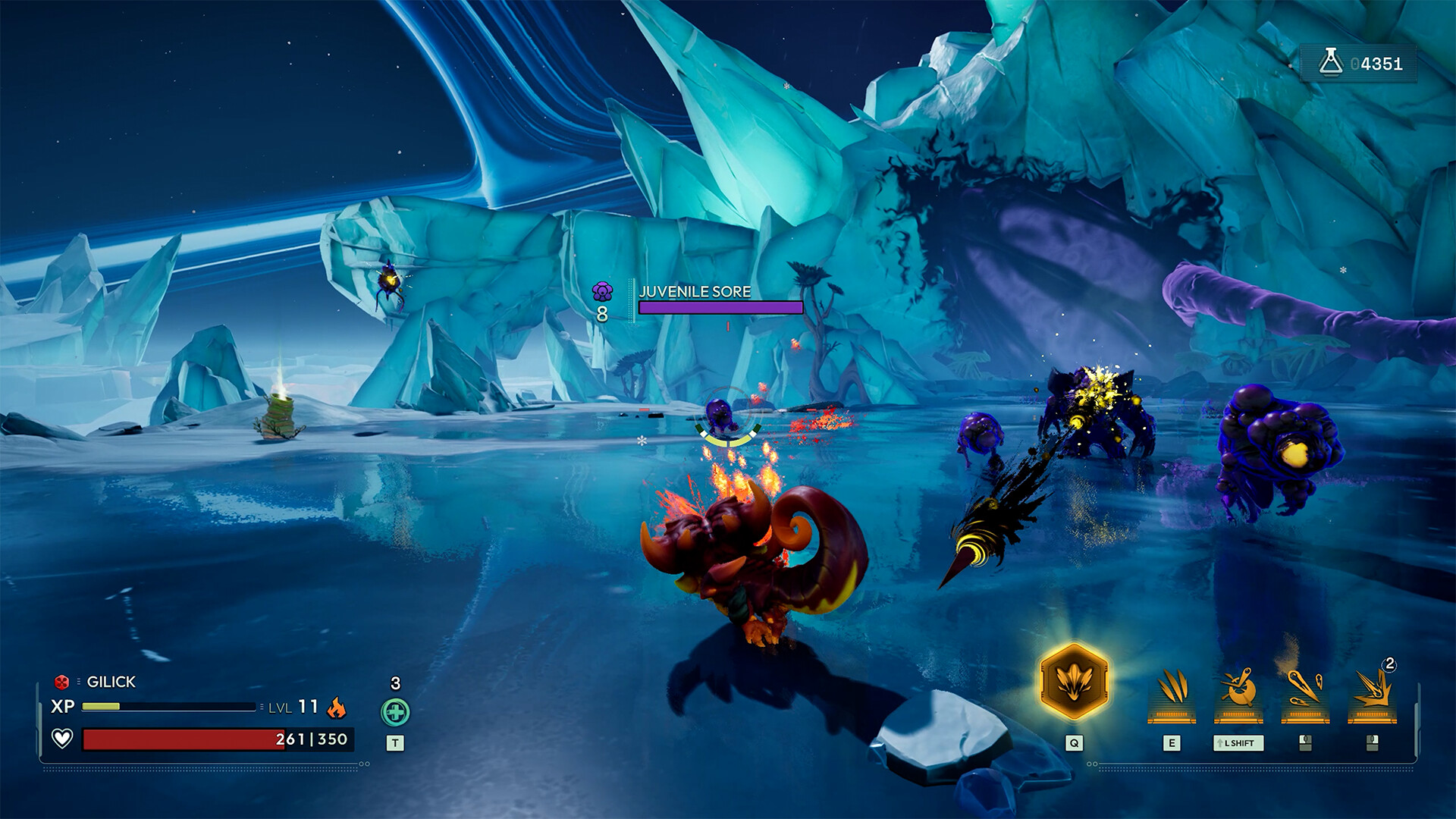
Monster collector/shooter hybrid Voidling Bound has arrived on PC, and you can make a fair bit of graphical optimizations for better gameplay. While my system requirements are above the recommended settings, I have seen occasional stutters.
Thankfully, you can fix most of the problems by changing the video settings.
Best Voidling Bound Video settings
Before I dive deeper into the settings, here’s my current setup.
- 32 GB of DDR4 RAM
- AMD Ryzen 7 5700X
- AMD Radeon RT 9060XT 16 GB
While I am running my game on Epic, the following settings will also work well on lower-end devices. I have also reduced sliders for some parameters that don’t make much of a difference.
- Window Mode: Use Windowed Fullscreen if you have multiple screens.
- Resolution: Use the native resolution of your monitor.
- Vertical Sync: Keep this turned off unless you have stutters. Turning on VSync will reduce frames, but the resulting gameplay will be smoother.
- Frame Rate Limit: Keep this at 60 FPS. I tried 120 FPS, and that’s when the stutters appeared. While there are shooting elements, you don’t need 120 FPS.
- Quality Presets: Custom
- 3D Resolution: 100% (Bring this down to 80% if you’re facing lags)
- Shadows: Medium/Low (spending resources on shadows makes little sense).
- Anti-Aliasing: Medium
- View Distance: Medium (Turning this on allows you to have a better view of the enemies, but it also drains more resources)
- Textures: Medium/Low
- Effects: Medium/Low
- Reflections: Low
- Post Processing: Medium (Don’t turn this to Low unless you have to. You’ll be sacrificing a lot of visual fidelity for the sake of performance).
That said, the general in-game performance on launch day is fantastic despite minimal hiccups. I am expecting a few post-out patches to sort out the issues we have in the launch version.


