Updated: May 4, 2026
We will add more codes when they drop!
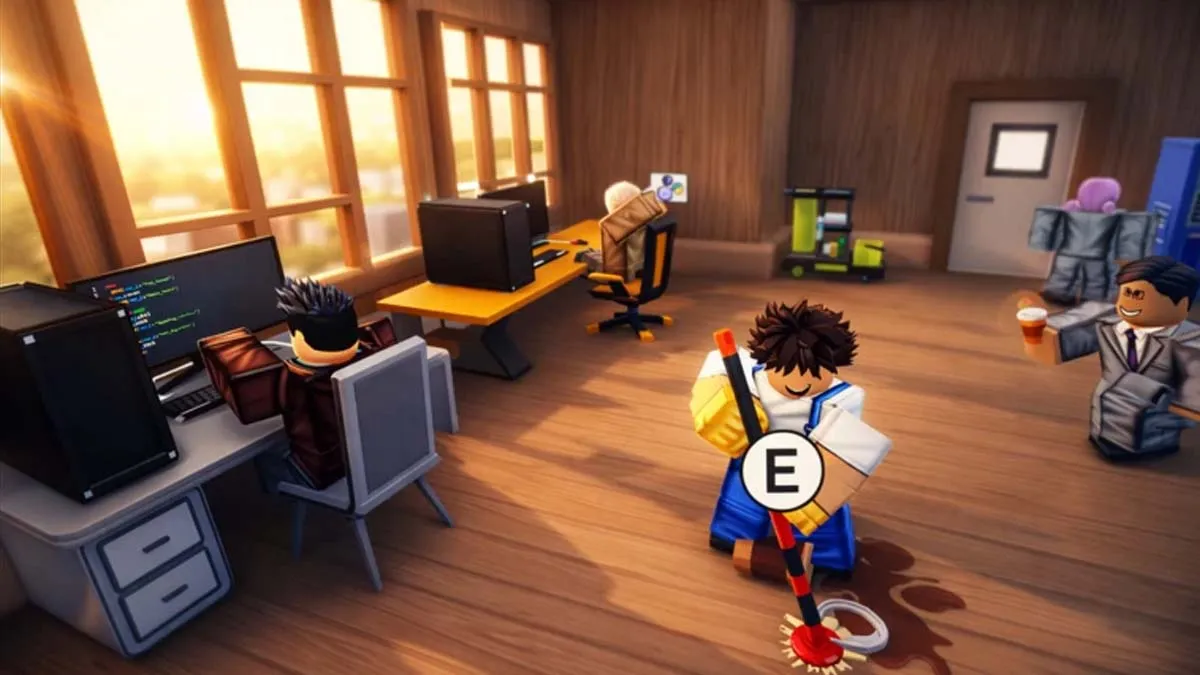
Coding Simulator 2, a business-driven tycoon experience on Roblox, is the latest project from the team at RoDark Studios (led by developers Myron, Kasper, and Tristan). This title lets you step into the role of a budding tech mogul, starting your journey in a modest workspace with the goal of scaling up to a massive software conglomerate.
To increase your efficiency in Coding Simulator 2, you can use all the working codes to obtain free Diamonds. These resources will help you scale your software firm rapidly by hiring skilled staff, upgrading your hardware, and unlocking advanced zones at your headquarters. Want another simulator-inspired game? Take a look at our Stadium Simulator 2 codes post for more rewards.
All Coding Simulator 2 codes list
Active Coding Simulator 2 codes
- 500kvisits—Redeem for Potions and Diamonds
- 1000diamonds—Redeem for 1,000 Diamonds
Expired Coding Simulator 2 codes
- There are no expired codes
Related: FISH.OS Roblox codes
How to redeem Coding Simulator 2 codes
To claim your rewards in Coding Simulator 2, follow these straightforward steps:
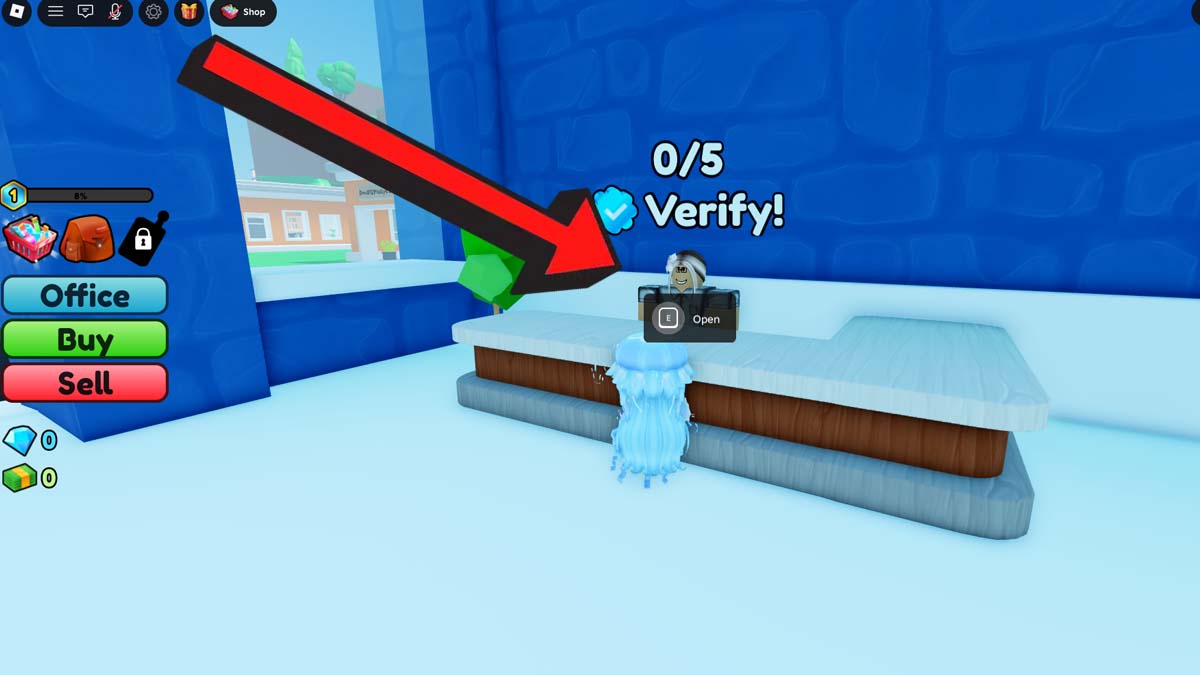
- Open Coding Simulator 2 on Roblox.
- Click the Buy button to teleport to the Shop.
- Approach the Verify NPC in the Shop.
- Type a code into the ‘Enter Code’ section.
- Hit Submit to get your rewards.
How to get more Coding Simulator 2 codes
To stay on top of the latest rewards, you can head over to the official RoDark Studios Discord server. While there isn’t a single channel specifically labeled for codes, you can usually find them tucked away in the announcement or community discussion threads if you’re willing to do a bit of searching. If you’d rather save the time and effort, you can find every active reward right here on our curated list. We keep this page updated so you can copy and paste the newest codes instantly without having to dig through chat logs.
Why aren’t my Coding Simulator 2 codes working?
To ensure you don’t miss out on vital resources for your software empire, accuracy is key. Roblox codes are often case-sensitive and include specific characters, so be sure to input them into the Verify NPC menu exactly as they appear in our guide. If a code returns an “Invalid” or “Expired” message, it’s likely because the developers have rotated it out or you’ve already claimed those rewards on your account.
What is Coding Simulator 2?
Coding Simulator 2 is a business-themed tycoon experience on Roblox developed by RoDark Studios. It casts you as a rising tech entrepreneur aiming to build a massive software empire from the ground up. You spend your time coding programs to generate two primary currencies: Cash and Diamonds. These resources are the lifeblood of your business, allowing you to expand your operations.
For more rewards, visit our Roblox codes section to get goodies for any game you wish.