

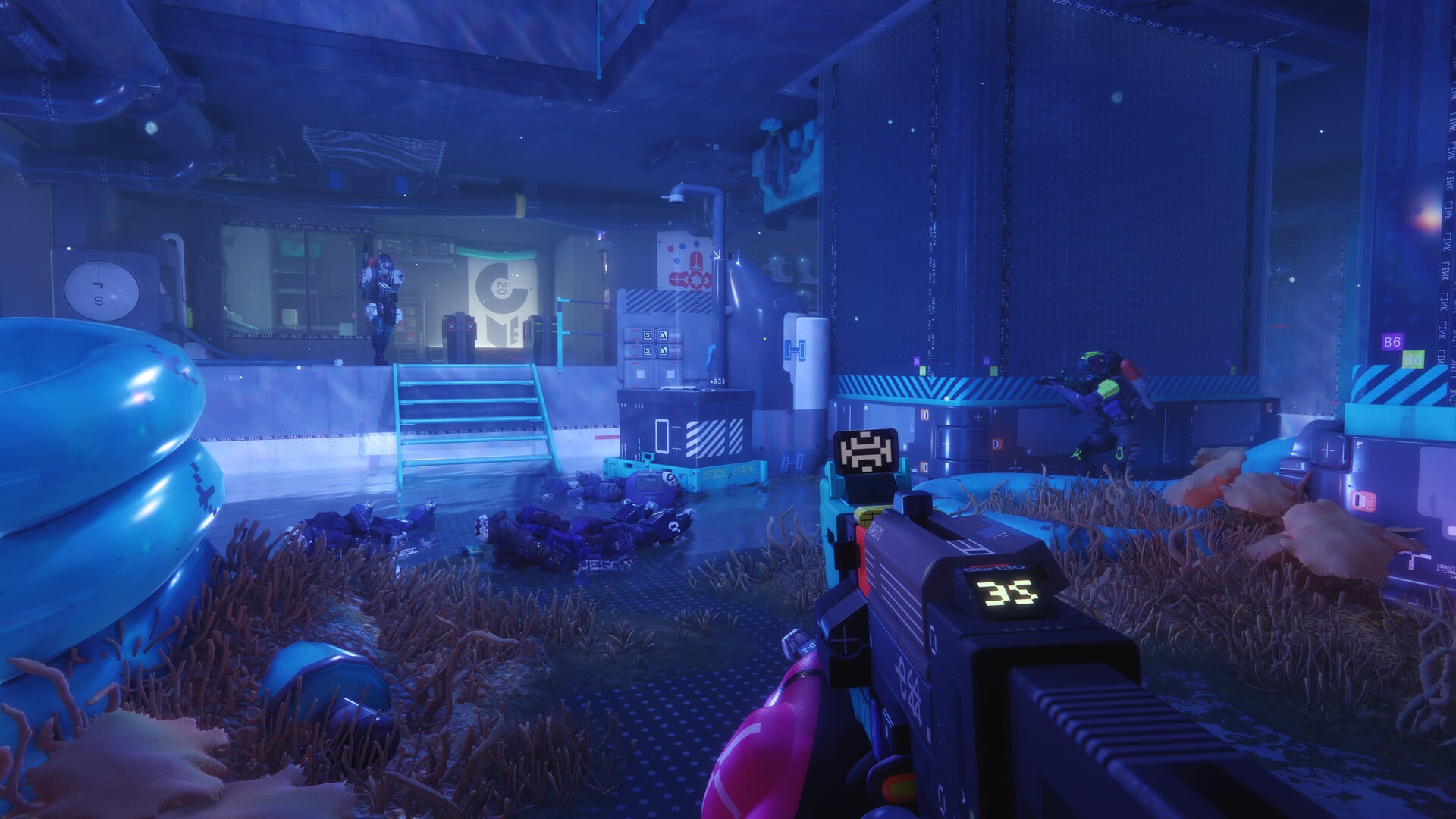
The Equitable Distribution 1 contract is a priority quest for the Traxus faction in Marathon, and the main task revolves around finding a self-erasing Data Drive from the second floor of Hauler.
This contract takes place on the Perimeter map, and there are two tasks to complete. This guide will help you to complete both tasks as quickly as possible. If you don’t want to take additional risk, I recommend using a sponsored loadout.
Marathon Equitable Distribution 1 walkthrough
The Equitable Distribution 1 contract can be broken down into the following tasks.
- Acquire the self-erasing Data Drive from the second floor of Hauler
- Deliver the Data Drive to DCON within the time limit
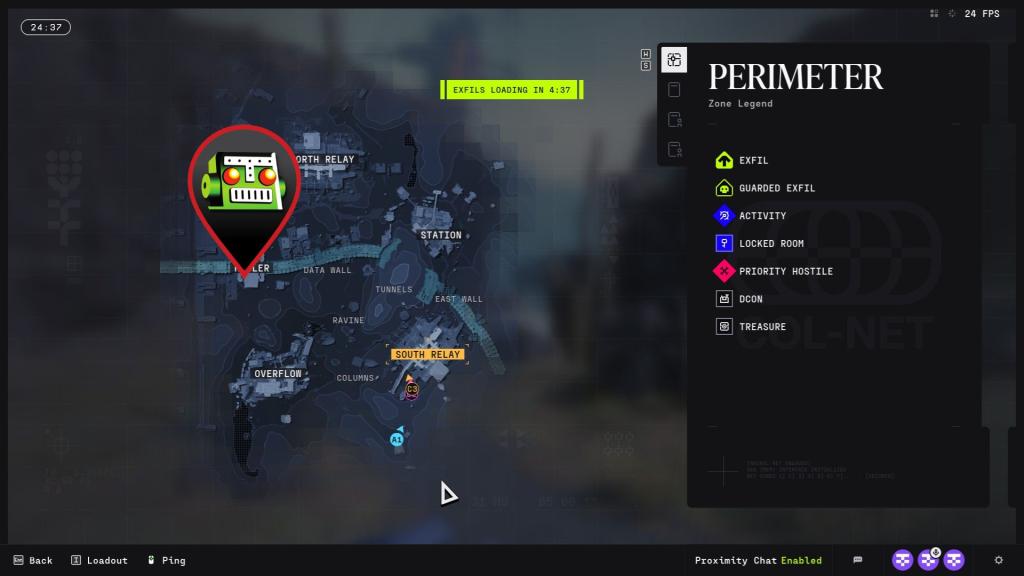
The harder part of this contract is to complete the first task. The game doesn’t explicitly tell you where you need to go. The Hauler is both a named location and a gigantic rig that can’t move. The location can be slightly confusing (where the data drive is located), so I have marked it on the image above.

The data drive can be found inside the server room, which is on the second floor of the Hauler. Once you locate the rig, enter through one of the entrances and take the stairs. There are different entrances, but the stairs appear to be the same.
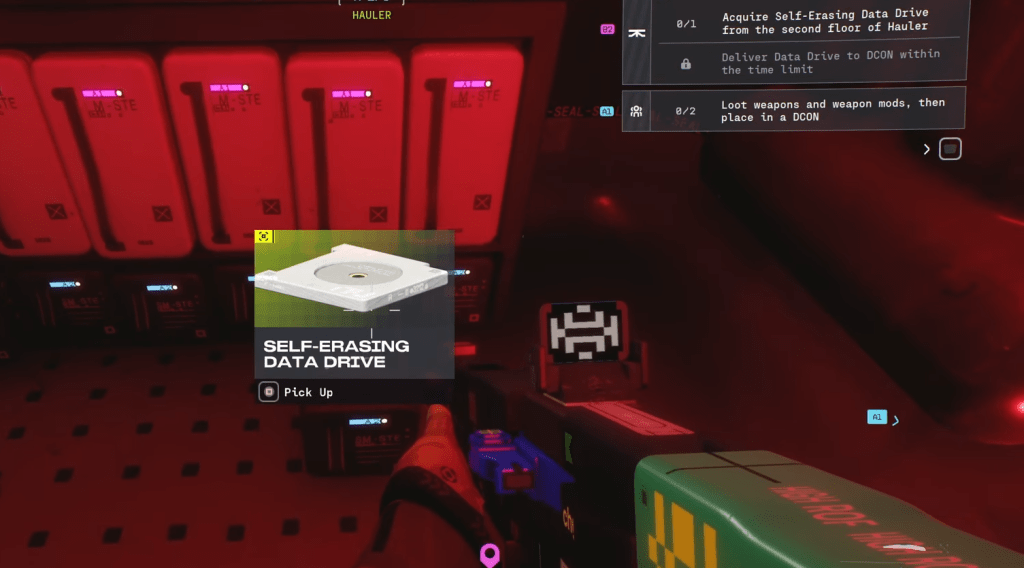
Once you’re on the second floor of the Hauler, a quest marker will pop up. Follow the marker, and you’ll reach the server room where you can then find the data drive. Interact with the servers to pick up the self-erasing data drive.
The next part of the contract is to deliver the same drive to a DCON within five minutes. If you can’t beat the countdown, the contract will fail, and you’ll need to complete it on a fresh run. The exact location of the DCON will differ, but I have marked multiple ones on the image below.
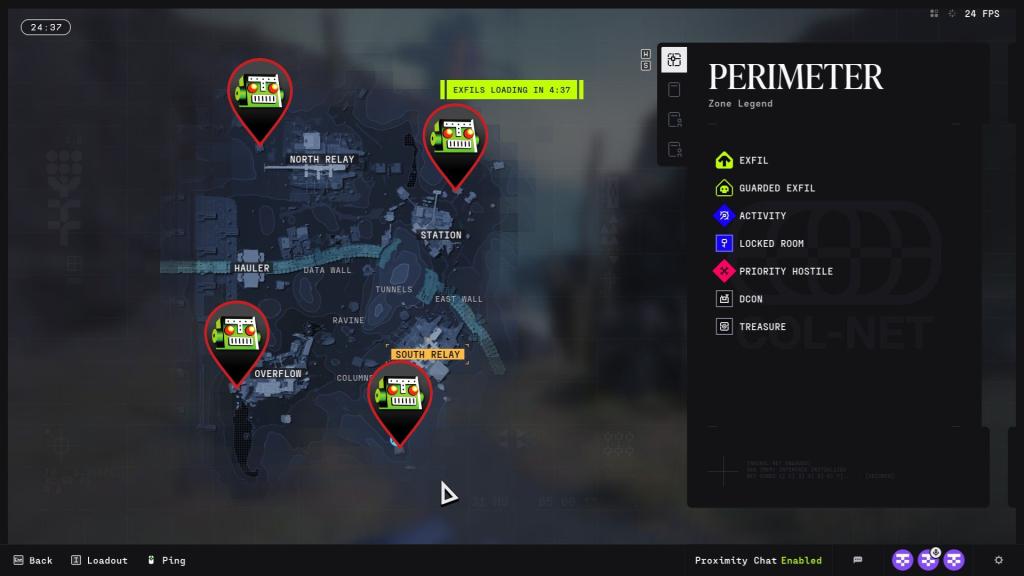
Finding a DCON is relatively easy since they’re marked by an icon that looks like a chest (don’t mix it up with treasure). Go to the one that’s closest to the Hauler (and pops up for you), and add the data drive to the DCON’s inventory. If you’re unsure about how to use the DCON, here’s a detailed guide.Once the second task is done, you’ll complete Equitable Distribution 1 and proceed to the next one. You’ll find some really hard tasks along this series, which includes finding the details of a UESC Commander to take him down.


