

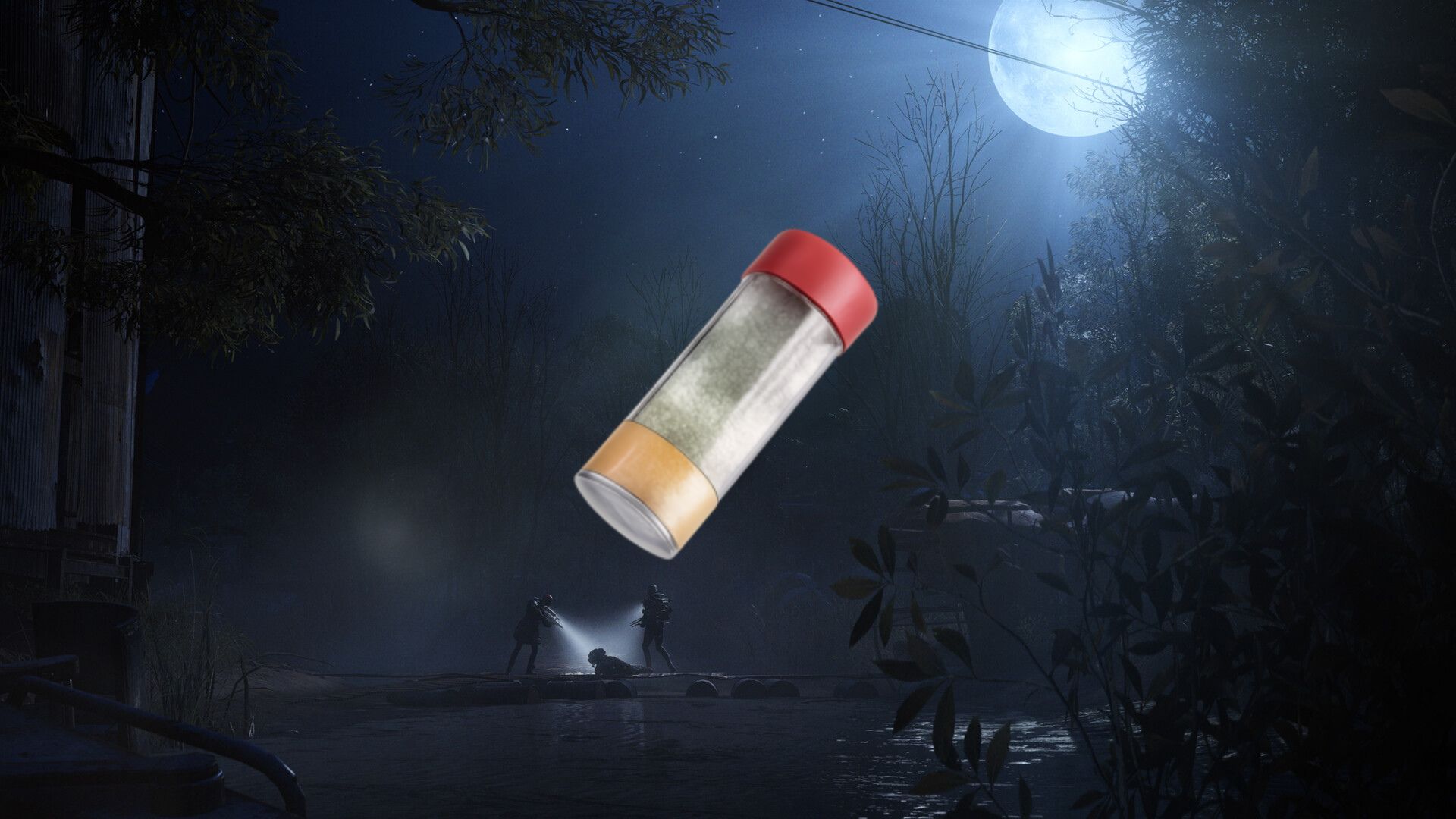
The Cold Snap update in ARC Raiders has added a fair amount of new items, and you can add the Shaker to create new tunes in the freeze.
If you have been looking for something aside from the Flute to play in ARC Raiders, the Cold Snap update has good news. The Shaker is a peculiar-looking item that can be played to create musical tunes. To do so, you’ll first have to find the item, and this guide will provide you with all the necessary information.
How to find the Shaker in ARC Raiders
Sadly, the Shaker doesn’t appear to have a fixed location. It can pop up on any of the available maps, and its location will be random. Unlike items like Candleberries, you don’t have to depend on the Cold Snap modifier.
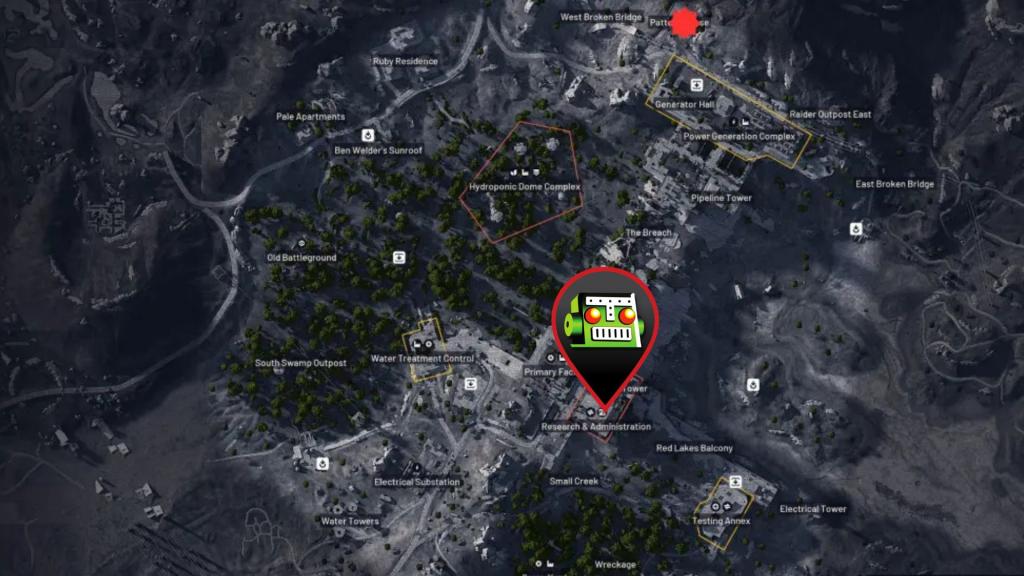
The item appears to be quite rare, and so far, I have only managed to find it once. I found it randomly in a container on one of the floors in the Research and Administration building. I have marked its location on the screenshot above, but it’s a pretty popular spot.
The Research and Administration building offers some notable loot that will be immensely helpful to power up your character. It also frequently spawns plenty of keys that allow you to access locked locations on different maps. If you’re lucky like me, you can also end up finding the Shaker.

Do remember that the Shaker can spawn at practically any location, and you’ll mostly find them in different containers. Hence, make sure to breach and search as many containers as possible.
How to use a Shaker in ARC Raiders
The Shaker doesn’t have much of a practical use. However, you can use it from the emote wheel if it’s present in your inventory.
- If you’re on PC, press the Q button and then hover over to the Shaker.
- If you’re on consoles, you can do the same by pressing the LB (Xbox)/L1 (PlayStation) button.
Be careful since the additional noise can attract nearby ARCs and expose you to incoming heat. In simple words, it’s used in the same way as a Flute, and it’s not part of any additional quest.


